
Know when you are protected
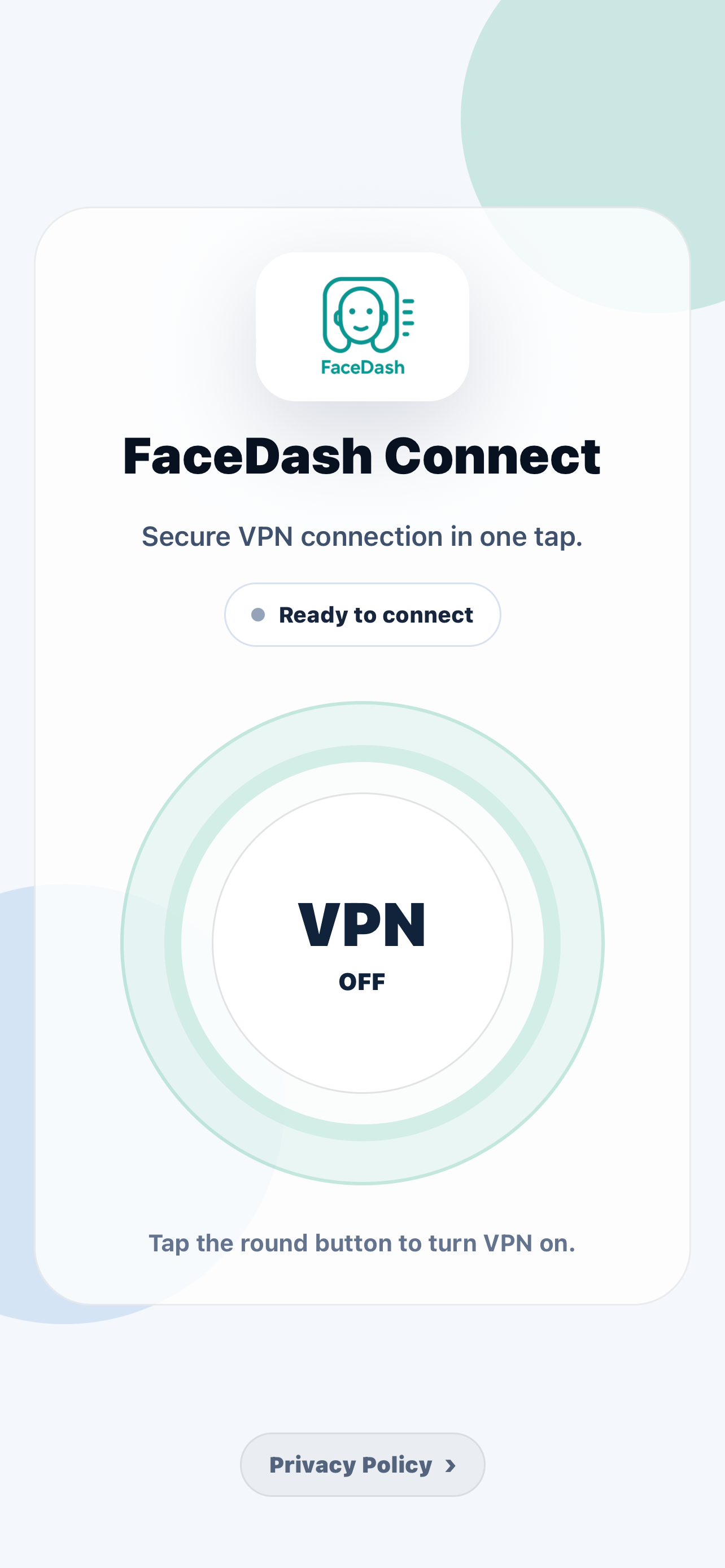
FaceDash Connect keeps connection status visible, so you always know when your mobile traffic is protected.
VPN for iOS and Android
FaceDash Connect helps protect mobile browsing on public Wi-Fi and cellular networks with clear connection status, no activity logs, and privacy controls written in plain language.
Features
Trust starts with clarity. FaceDash Connect keeps the interface direct, the data approach limited, and the privacy language easy to understand.
FaceDash Connect keeps connection status visible, so you always know when your mobile traffic is protected.
We do not use browsing history, traffic content, or in-app activity to build advertising profiles.
Add a private connection when you browse from airports, hotels, cafes, campuses, or shared workspaces.
Important choices are written clearly, so privacy settings are easy to review before and after installation.
Privacy by design
The policy explains what data may be used, what FaceDash Connect does not log, and how users stay in control of privacy choices.
Read our Privacy PolicyFAQ
FaceDash Connect is built for iOS and Android.
The app is designed to make connection status clear and help prevent unprotected browsing when protection is interrupted.
It means FaceDash Connect does not use your browsing history, traffic content, or activity data to profile you.
Download
Start with the iOS or Android app and use a privacy tool built to make protection visible, understandable, and easy to control.